SaaS demo videos
Free SaaS Demo Video Maker for Product Launches
A SaaS demo video does not need to be a long narrated explainer. For many launches, a short screen recording inside a polished MacBook, phone, or screen-only mockup is enough to show what the product does and make it feel credible.
What should a SaaS demo video show?
Show the product state that proves the value fastest: dashboard overview, onboarding flow, before-and-after result, report view, workflow automation, analytics screen, or core feature path. Keep private data out and make text readable.
How to create one for free
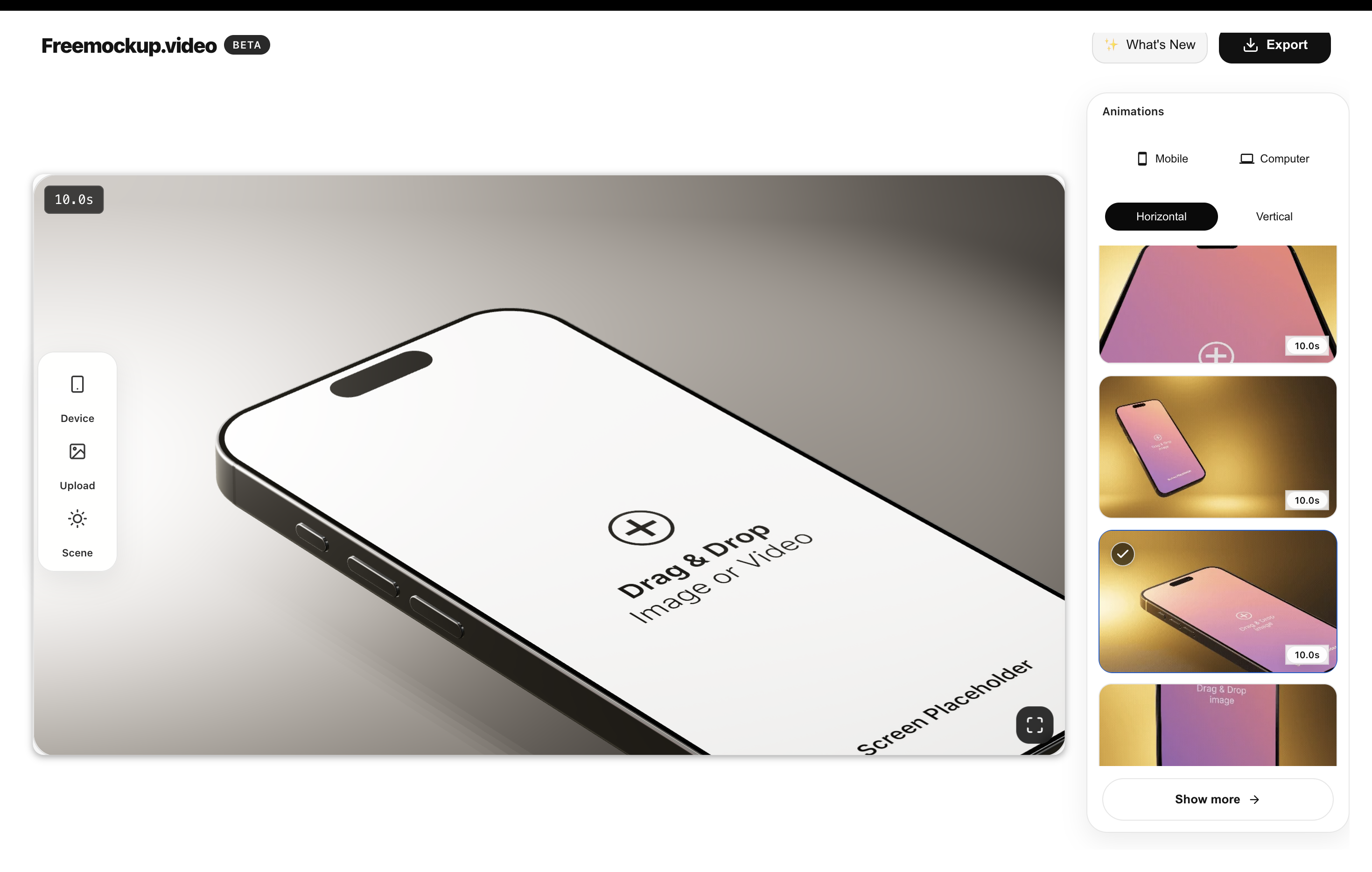
Record a short SaaS workflow, upload it to freemockup.video, choose the Free MacBook and a guided animation, then export in 4K without a watermark. Screen-only scenes require Pro.
Where to use it
Use SaaS demo mockup videos on landing pages, Product Hunt, investor updates, sales decks, changelog posts, LinkedIn announcements, X launch threads, YouTube Shorts, client onboarding, and portfolio case studies.
Why mockups help SaaS positioning
Mockups turn a dashboard from a raw screen into a launch asset. That helps visitors understand the product faster and gives founders reusable visual proof for distribution.
FAQ
Can I make SaaS demo videos for free?
Yes. freemockup.video can turn SaaS screen recordings into free mockup videos.
Which scene should I use for SaaS?
MacBook and screen-only scenes usually work best for SaaS dashboards and web apps.
Is there a watermark?
No. Videos export without a watermark.
Can I export in 4K?
Yes. 4K export is free.
Related mockup video guides
Create a free mockup video
Use freemockup.video to create 3D mockup videos with no login, no watermark, and free 4K export.
Practical guide
What to do before you export
Show the outcome before the configuration
A SaaS demo is easier to understand when it opens on the result: a completed report, automated workflow, published page, or organized dashboard. After establishing the outcome, show the shortest path that produced it. This gives viewers context before asking them to follow interface details.
Keep each scene focused on one job
Do not compress an entire onboarding tour into one clip. Create separate scenes for the problem, the core action, and the result. Short focused clips can be rearranged for a homepage, sales deck, feature page, Product Hunt gallery, or social launch without re-recording the product.
Protect customer and test data
Use a demonstration workspace with realistic but fictional names, numbers, and messages. Remove email addresses, access tokens, billing details, and internal URLs. A clean demo account makes the video safer to publish and easier for prospects to understand.