Product Hunt
Best Product Hunt Launch Video Tools for Indie Makers
A Product Hunt launch video does not need to be a huge animation project. The best launch video tools help you show the product clearly, package the interface nicely, and export assets that work across Product Hunt, your landing page, and social posts.
What a Product Hunt video should do
Show the product problem, one clear product moment, and the result. Keep the video short, readable, and focused on the actual interface rather than abstract animation.
Tool categories to consider
Use a screen recorder for the product flow, a mockup generator for device or browser context, and a lightweight editor only if you need captions, trimming, or voiceover. Avoid overbuilding before you know the launch story.
Where freemockup.video fits
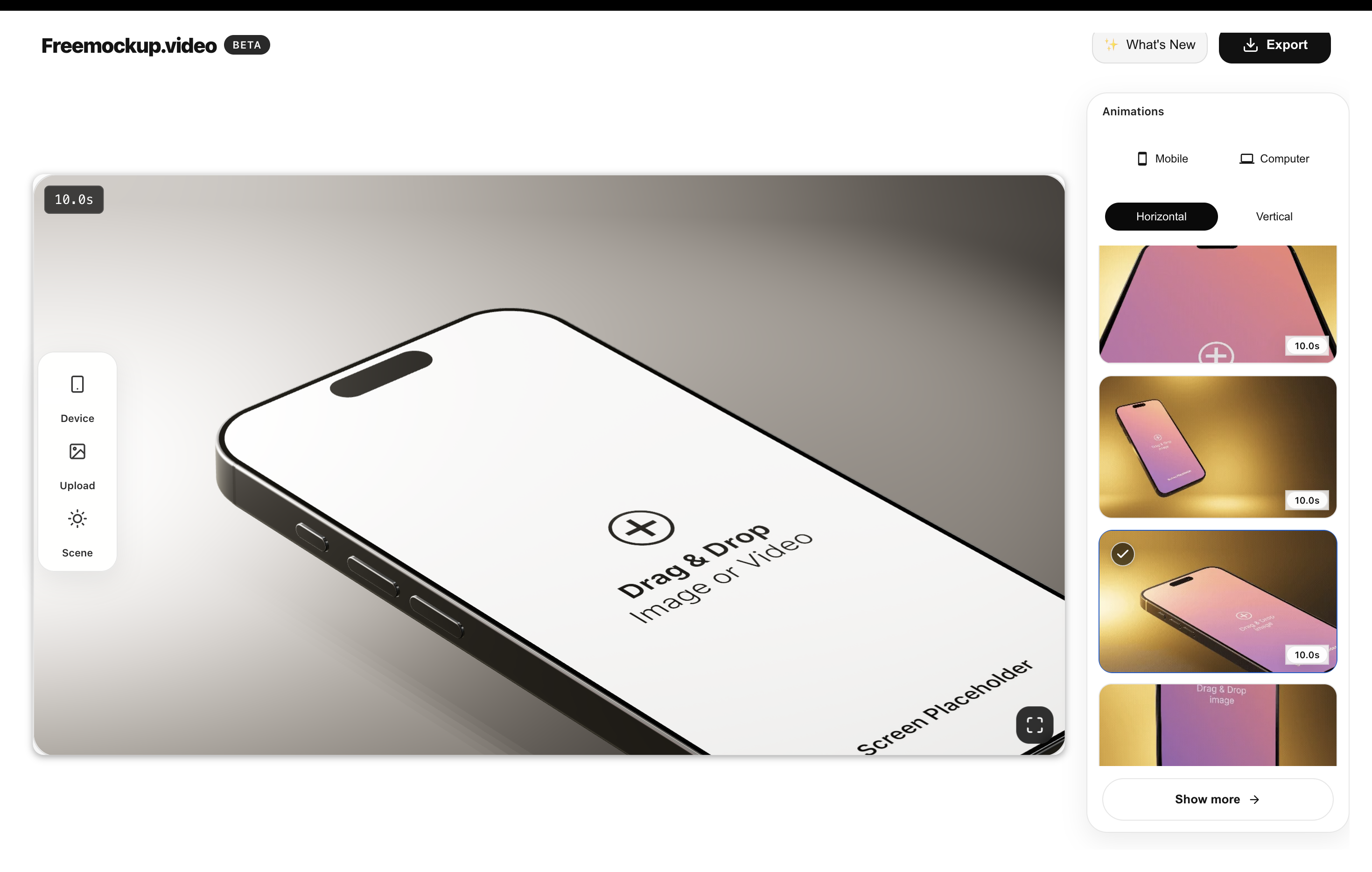
freemockup.video turns app screens, website recordings, and SaaS flows into 3D mockup videos for Product Hunt galleries and landing-page hero sections. It is free, browser-based, and exports without a watermark.
A simple launch workflow
Write the launch story, record the strongest product moment, create one phone mockup and one desktop or browser mockup, export in 4K, then reuse the same assets across Product Hunt, X, LinkedIn, YouTube Shorts, and your homepage.
FAQ
Do I need a Product Hunt launch video?
A video is not mandatory, but it can help visitors understand the product faster.
How long should a Product Hunt launch video be?
For most indie products, 30 to 60 seconds is enough.
Can freemockup.video make Product Hunt visuals?
Yes. It is built for Product Hunt launch mockup videos and landing-page visuals.
Can I use it without a watermark?
Yes. Exports do not include a watermark.
Related mockup video guides
Create a free mockup video
Use freemockup.video to create 3D mockup videos with no login, no watermark, and free 4K export.
Practical guide
What to do before you export
Build the launch story before choosing tools
A useful Product Hunt video normally needs a hook, the main product action, a visible result, and a short closing message. Choose recording, mockup, editing, and caption tools only after that story is clear so each tool has a defined job.
Make the first frame useful without sound
Many visitors decide whether to continue before audio matters. Open on a finished product visual or a clear benefit, keep the product name readable, and avoid a long logo animation. Captions should add context without covering the interface.
Reuse launch assets after launch day
Export clean product clips that can continue working in the homepage hero, documentation, onboarding emails, investor updates, paid campaigns, and social posts. A launch video is more valuable when it becomes a small library of reusable proof rather than a single disposable edit.