Comparison
Free Screen Studio Alternative for Launch Videos
Screen Studio is strong for polished screen recordings, but many launch assets need a simpler visual layer: a product screen inside a clean device or browser mockup. freemockup.video is a free Screen Studio alternative when your goal is a short launch video, SaaS demo clip, Product Hunt visual, or landing-page hero without a paid editing workflow.
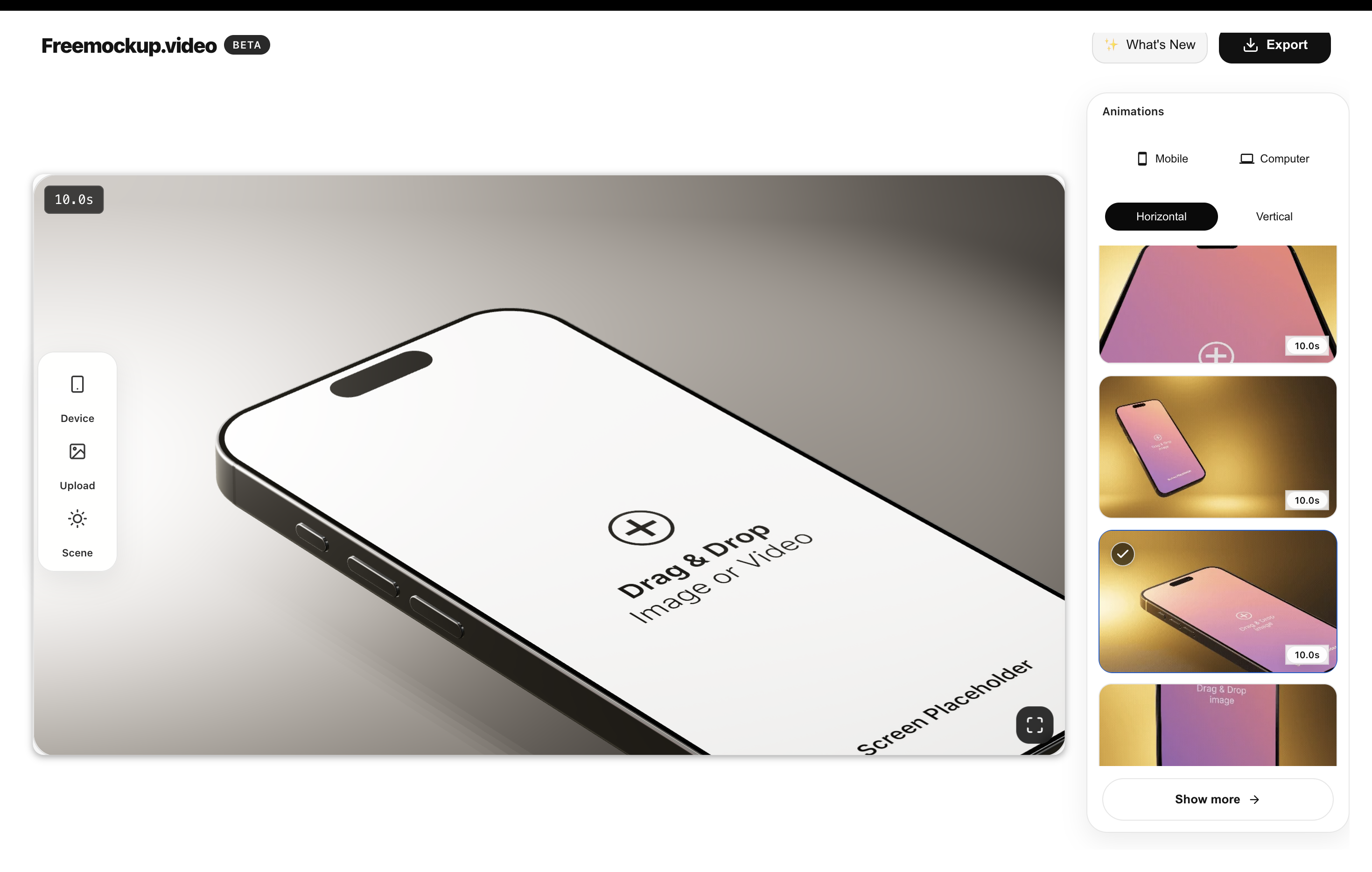
Screen recording vs. mockup video
A screen recorder captures the product flow. A mockup video packages that flow in a visual scene so it looks launch-ready. For many products, the best workflow is recording the UI once, then placing it in a phone, laptop, browser, or screen-only mockup.
What launch videos need
Good launch videos need readable product moments, a short runtime, clear device context, export quality, and a version that works across Product Hunt, landing pages, LinkedIn, X, YouTube Shorts, and pitch decks.
How freemockup.video helps
Upload a recording or screenshot, choose a device or browser scene, select an animation, and export a 4K no-watermark video directly in the browser. No login is required for creating mockup videos.
Where it fits best
Use freemockup.video for visual packaging after you already have the product flow, screenshot, dashboard screen, or app recording. It is especially useful for fast launch assets and repeatable product marketing clips.
FAQ
Is this a full screen recorder?
No. freemockup.video is focused on turning existing screens and recordings into polished mockup videos.
Is it useful for Product Hunt?
Yes. It is useful for Product Hunt galleries, launch posts, and landing-page videos.
Does it require login?
No. You can create without an account.
Is there a watermark?
No. Exports do not include a watermark.
Related mockup video guides
Create a free mockup video
Use freemockup.video to create 3D mockup videos with no login, no watermark, and free 4K export.
Practical guide
What to do before you export
Pick the right type of product video
Screen-recording tools are strongest when the cursor path and live interface are the story. Device-mockup tools are strongest when presentation, product context, and launch polish matter. Many campaigns use both: a clear recording placed inside a controlled 3D scene.
Write the hook before recording
Decide the first benefit the viewer should understand, then record only the interaction that proves it. A strong hook reduces editing because the footage already has a beginning, action, and outcome rather than an unstructured tour of the product.
Compare the current workflows accurately
freemockup.video now includes both the guided free mockup workflow and a layered Pro timeline with multiple devices, per-device media, custom keyframes, camera moves, text, image, audio, background, lighting, blur, MP4, and transparent MOV export. Screen Studio remains centered on polished screen recording, so choose based on whether the job is recording-led or 3D-scene-led.