Website demo videos
How to Make a Website Demo Video for Free
You can make a website demo video for free by recording your site, placing the recording inside the Free MacBook mockup, and exporting a clean clip. freemockup.video makes this possible with no login, no watermark, and free 4K export.
What is a website demo video?
A website demo video shows a site, SaaS product, dashboard, portfolio, or landing page in motion. It can be a simple scroll, a short click path, or a clean screenshot animated inside a 3D scene.
The goal is to help viewers understand the website’s look and value faster than they would from a static screenshot.
What to record
- The landing page hero and first product proof section.
- A dashboard or core workflow for SaaS products.
- A portfolio project before-and-after or case study section.
- A pricing, booking, checkout, or onboarding flow if that is the key user action.
How to create the mockup video
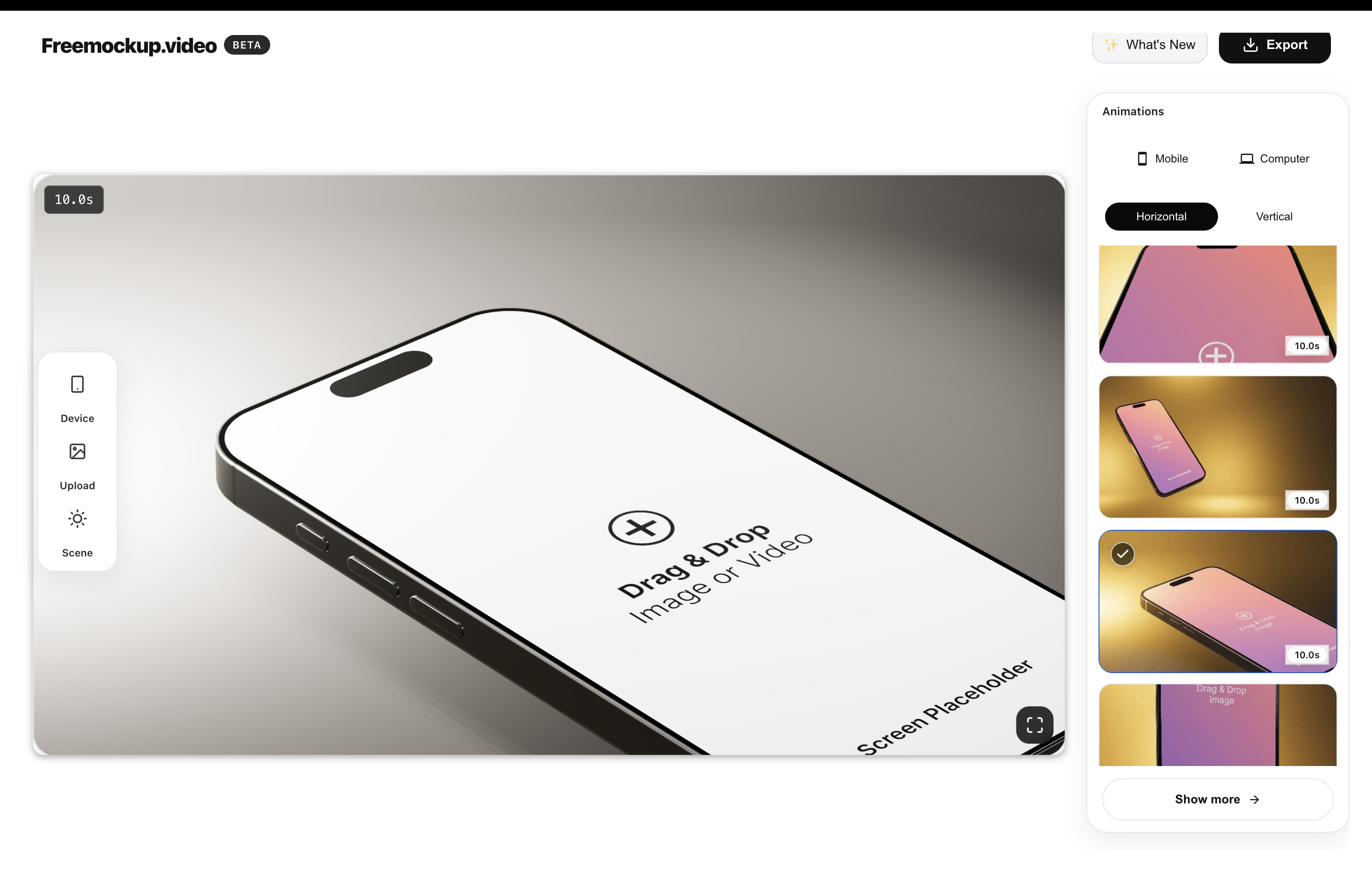
Record a clean clip of your site, then upload it to freemockup.video. Choose the Free MacBook and a guided animation, then export the result in 4K. Other laptops and screen-only scenes require Pro.
Keep the animation smooth and readable. A website demo video should make the site feel polished without hiding the actual interface.
Best places to use it
Website demo videos work well in launch posts, Product Hunt galleries, agency proposals, client updates, portfolio case studies, SaaS feature announcements, pitch decks, and social promos.
Why freemockup.video is useful
freemockup.video is a fast browser workflow for turning website recordings into polished 3D clips. It supports customizable scenes, high-quality lighting, 60+ animations, no watermark, no login, and free 4K export.
For more detail, read How to Create Free Website Mockup Videos in 4K.
FAQ
Can I make a website demo video for free?
Yes. freemockup.video lets you create website demo mockup videos for free.
Can I use a website screen recording?
Yes. Website screen recordings are ideal for demo videos.
Can I export in 4K?
Yes. 4K export is free.
Does it add a watermark?
No. freemockup.video exports without a watermark.
Do I need to log in?
No. You can use the tool without an account.
Can I use it for SaaS demos?
Yes. MacBook and screen-only mockups work well for SaaS dashboards and product flows.
Create a free mockup video
Use freemockup.video to turn your app, website, SaaS product, or digital product screen into a customizable 3D mockup video with free 4K export and no watermark.