3D mockup videos
Best Free 3D Mockup Video Generator for Apps and Websites
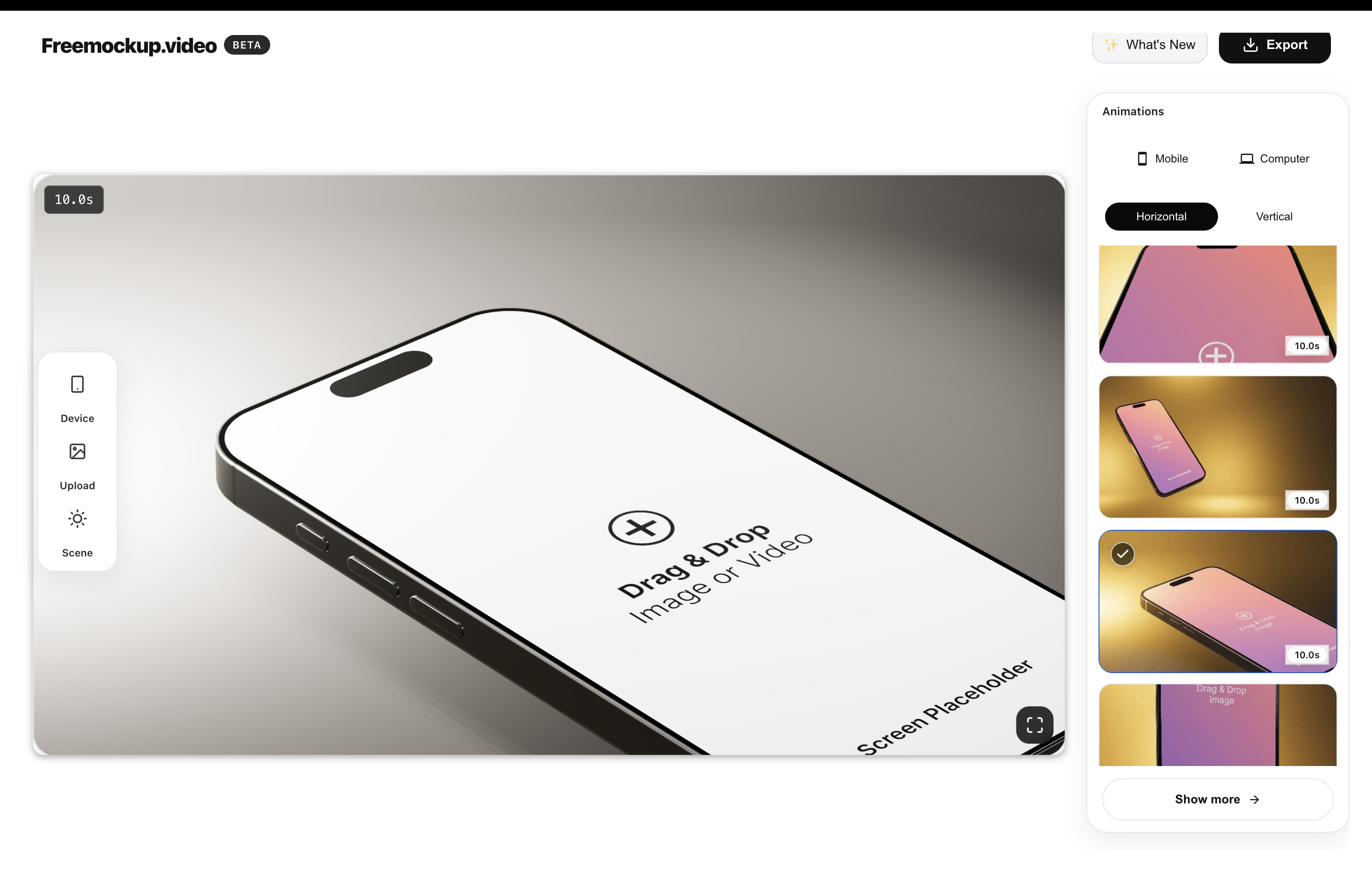
The best free 3D mockup video generator for most app and website launches is one that lets you create polished device videos without forcing a login, watermark, paywall, or desktop animation workflow. freemockup.video is built for that job: browser-based 3D mockup videos, free 4K export, no watermark, and scenes for phones, laptops, and screen-only presentations.
What is a 3D mockup video generator?
A 3D mockup video generator turns your app screen, website recording, product screenshot, or SaaS interface into an animated device scene. Instead of showing a flat screenshot, you place the screen inside an iPhone, Android/Samsung phone, MacBook, older MacBook, or screen-only scene and export a video.
This is useful when you need launch assets quickly but do not want to learn Blender, After Effects, or a full video editing suite. The generator handles the camera movement, lighting, model, and animation so you can focus on the product screen.
Why use a 3D mockup video instead of a screenshot?
A static screenshot can explain what a product looks like. A short 3D mockup video can make the product feel more finished, especially on a landing page, Product Hunt gallery, App Store listing, agency deck, or social post.
Motion helps viewers understand that the product is real and interactive. It also gives founders and designers a reusable asset that can work in landscape, square, or vertical marketing formats after a quick edit.
What to look for in a free tool
Many tools advertise a free workflow, then limit the export with a watermark, account wall, low resolution, or paid 4K upgrade. For a genuinely useful free mockup video workflow, check for no watermark, no login requirement, clean MP4 export, 4K support, device variety, and visible templates before you start.
freemockup.video focuses on those practical details: it is free, it does not require an account, it exports in 4K for free, and it does not add a watermark.
Best use cases
- Website mockup videos for landing pages, portfolios, and agency presentations.
- App mockup videos for iOS, Android, and cross-platform launches.
- SaaS demo clips that make dashboards and workflows easier to preview.
- Product Hunt launch videos and gallery assets.
- Founder updates, investor decks, LinkedIn posts, short-form social promos, and client proposals.
Why freemockup.video is useful
freemockup.video gives developers, designers, founders, indie hackers, and agencies a quick path from screen capture to polished 3D video. You can use iPhone, Android/Samsung, MacBook, old MacBook, and screen-only scenes, then customize the scene with animations, lighting, and visual settings.
For deeper workflows, read the guides on free app mockup videos, free website mockup videos, and no-watermark mockup video exports.
FAQ
Is freemockup.video free?
The Free editor supports guided mockup videos with three devices. Pro is an optional paid subscription for additional devices and advanced controls.
Does freemockup.video add a watermark?
No. Exports from freemockup.video do not include a watermark.
Do I need an account?
No. You can create and export mockup videos without creating an account.
Can I export in 4K?
Yes. freemockup.video supports free 4K export.
What devices can I use?
Free includes iPhone 15 Pro, Samsung S22 Ultra, and MacBook. Other devices and screen-only presentation require Pro.
Can I use it for Product Hunt?
Yes. It is useful for Product Hunt launch videos, gallery visuals, app previews, and social launch assets.
Create a free mockup video
Use freemockup.video to turn your app, website, SaaS product, or digital product screen into a customizable 3D mockup video with free 4K export and no watermark.
Practical guide
What to do before you export
Separate free essentials from advanced control
A useful free workflow should let someone import real product media, choose a device animation, and export a clean result. Advanced work may need a full device catalog, several devices, per-layer media, camera and scene keyframes, text, images, audio, project autosave, or transparent footage for another editor.
Test the actual output
Do not judge a mockup generator only from template thumbnails. Import a representative dashboard or mobile recording, inspect screen crop and reflections, preview the complete motion, and test the final export at the size where customers will see it.
Match tool depth to the campaign
The guided editor is suitable for a fast single-device mockup. The Pro timeline is intended for custom multi-layer product videos where devices, groups, camera, background, lighting, blur, text, image, audio, and media timing must work together.