App mockup videos
How to Create Free App Mockup Videos Without Watermarks
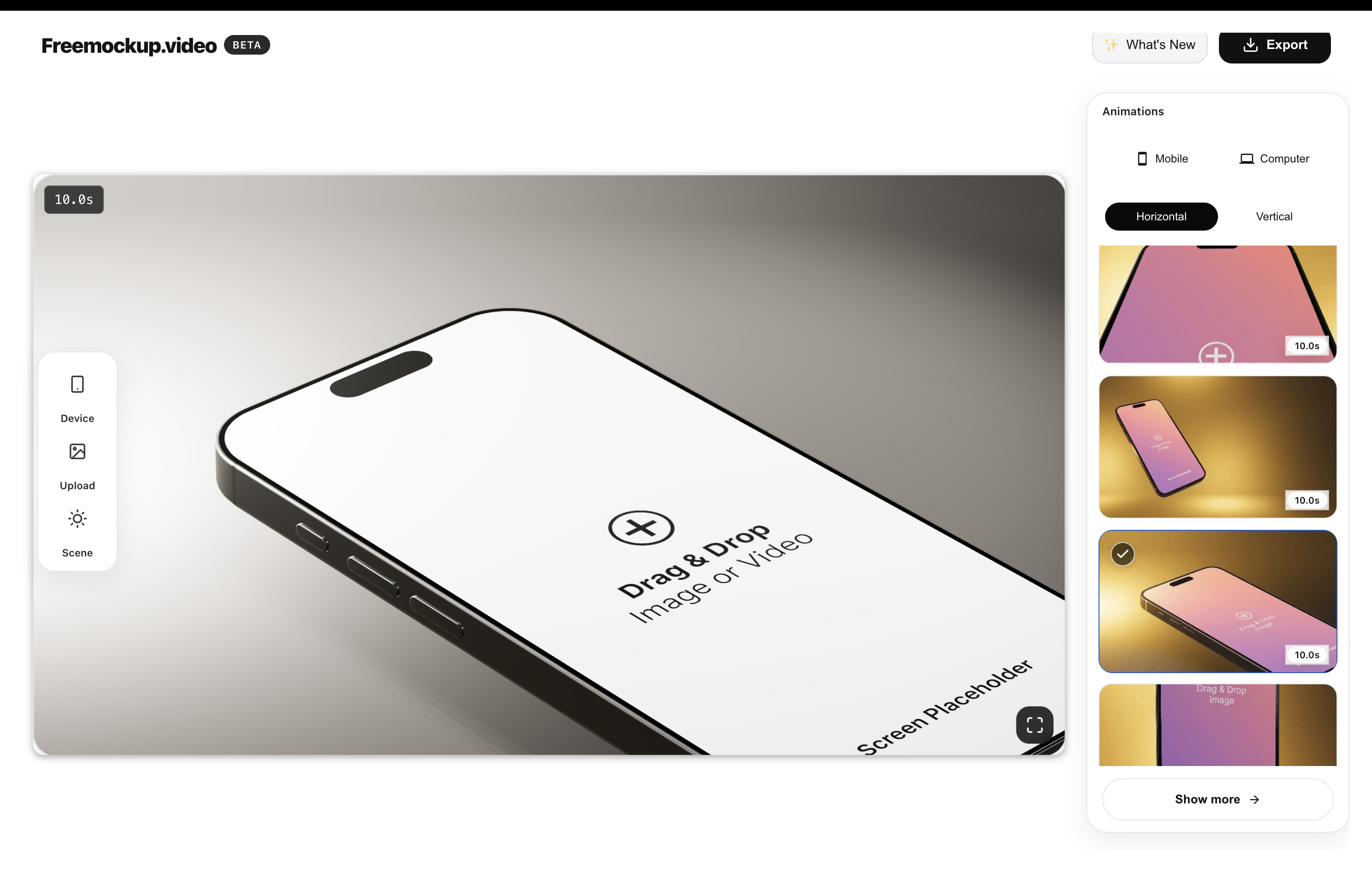
You can create a free app mockup video by uploading your app screen or recording, choosing a 3D phone or laptop scene, customizing the animation, and exporting the result. freemockup.video keeps that workflow free, does not require login, and does not add a watermark.
What is an app mockup video?
An app mockup video shows your mobile app, web app, or SaaS screen inside an animated device scene. It can use a phone model for mobile products, a laptop model for web apps, or a screen-only scene when you want the interface to be the focus.
The goal is not to make a long explainer. The goal is to create a clean visual clip that helps people understand your product faster.
Why app founders use mockup videos
Developers and founders often need launch visuals before they have time or budget for a full motion design workflow. A mockup video makes a product feel presentable for a landing page, Product Hunt launch, App Store-style announcement, investor update, or social post.
It is especially useful for indie hackers because one app screen can become several assets: a hero video, a short teaser, a feature clip, and a deck slide.
How to create an app mockup video for free
- Capture your app screenshot or a short screen recording.
- Open freemockup.video in your browser.
- Choose the Free iPhone 15 Pro, Samsung S22 Ultra, or MacBook. Other devices and screen-only scenes require Pro.
- Adjust the scene, animation, lighting, and presentation style.
- Export the mockup video in 4K without a watermark.
Best app video use cases
App mockup videos work well for Product Hunt, App Store preview planning, Google Play marketing graphics, landing page hero sections, social media promos, agency deliverables, portfolio case studies, and SaaS feature announcements.
If you are preparing a launch, pair this guide with the Product Hunt mockup video guide and the broader 3D mockup video generator overview.
Why freemockup.video works for apps
freemockup.video is designed around the app creator’s shortest path: upload, choose a device, customize the scene, and export. It supports 60+ animations, high-quality lighting, and multiple device/mockup types without turning the process into a full editing project.
FAQ
Can I make iPhone mockup videos?
Yes. freemockup.video includes iPhone mockup scenes for app screens and recordings.
Can I make Android mockup videos?
Yes. You can use Android/Samsung mockup scenes for mobile app videos.
Is the export watermarked?
No. freemockup.video exports without a watermark.
Do I need to sign up?
No. You can use the tool without creating an account.
Can I export app mockup videos in 4K?
Yes. 4K export is free.
Can I use the video commercially?
You can use your exported product mockup videos for launch, portfolio, social, and presentation purposes.
Create a free mockup video
Use freemockup.video to turn your app, website, SaaS product, or digital product screen into a customizable 3D mockup video with free 4K export and no watermark.