SaaS demo videos
Best SaaS Demo Video Makers for Fast Product Launches
The best SaaS demo video maker depends on what you need: a narrated walkthrough, a polished screen recording, a device/browser mockup, or a short launch clip. For many early SaaS products, the fastest useful version is a screen recording placed inside a clean MacBook, browser, or screen-only mockup.
What SaaS demo videos need
A SaaS demo video should show the dashboard, workflow, report, automation, onboarding, or product outcome that proves value fastest. Readability matters more than elaborate animation.
Common tool types
Screen recorders capture the workflow, editors handle captions and trimming, motion tools create bespoke animation, and mockup video generators package the UI into a more credible visual scene.
Where freemockup.video fits
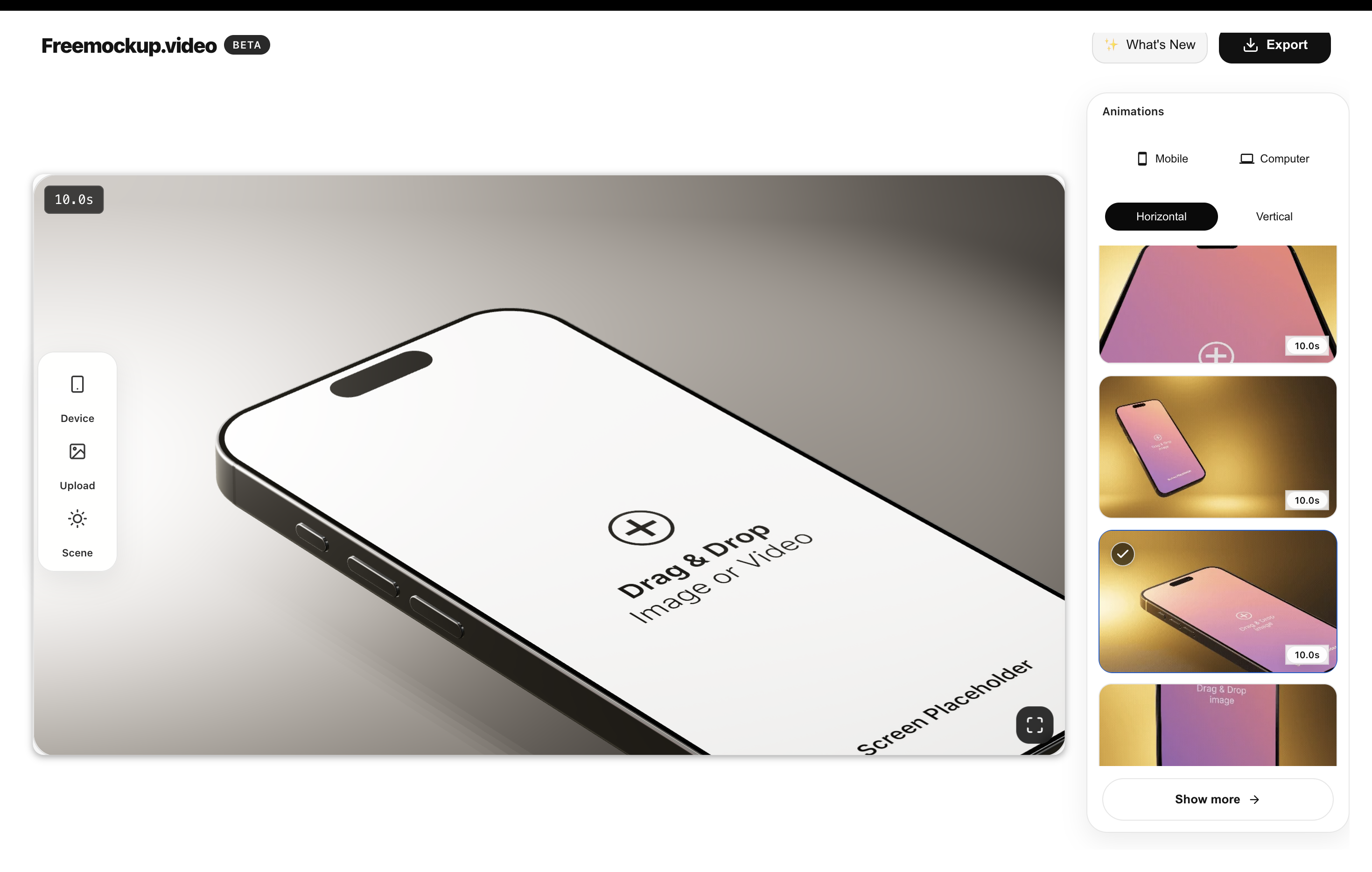
freemockup.video is best for SaaS teams that already have a dashboard screenshot or product recording and need a fast 4K mockup video for a landing page, Product Hunt, sales deck, or social post.
How to choose
If you need voiceover and editing, pair freemockup.video with a recorder or editor. If you need a clean visual asset quickly, upload the SaaS screen, choose a MacBook, browser, or screen-only scene, and export a no-watermark video.
FAQ
What is the fastest way to make a SaaS demo video?
Record one clear product workflow, place it in a clean mockup scene, and export a short video for your launch page or Product Hunt gallery.
Can freemockup.video handle dashboards?
Yes. MacBook, browser, and screen-only scenes work well for SaaS dashboards.
Do SaaS demos need narration?
Not always. A short readable visual demo can be enough for launches and social posts.
Can I export in 4K without a watermark?
Yes. freemockup.video supports free 4K no-watermark exports.
Related mockup video guides
Create a free mockup video
Use freemockup.video to create 3D mockup videos with no login, no watermark, and free 4K export.
Practical guide
What to do before you export
Evaluate tools by production stage
Recording tools capture the workflow, mockup tools present it, and timeline editors combine clips, narration, music, and captions. Some products cover several stages, but comparing them by the job they perform is more useful than treating every demo-video maker as interchangeable.
Prioritize clarity over cinematic complexity
For most SaaS pages, prospects need to understand the result and trust that the workflow is real. Smooth pacing, readable UI, a clean crop, and one clear message usually outperform elaborate motion that competes with the product.
Create a measurable demo plan
Give each video one destination and one action: understand a feature, start a trial, view pricing, or contact sales. Track clicks from the placement and revise the opening or call to action when viewers watch but do not continue.